
Key Takeaways:
-
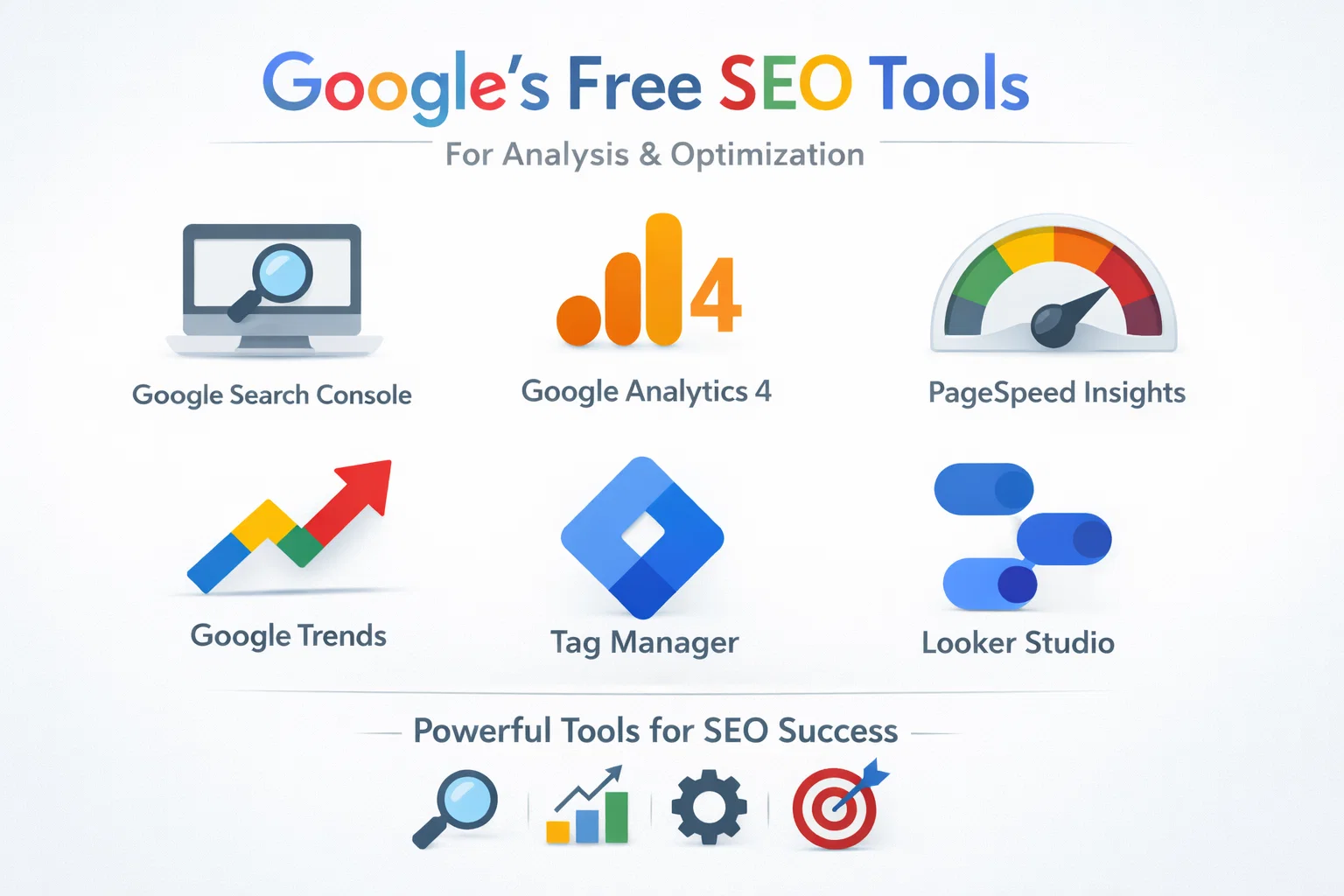
 Google provides 6 powerful SEO tools at no cost.
-
These tools cover performance tracking, user behavior, speed, trends, and reporting.
-
Search Console and GA4 form the core of SEO analysis.
-
Page speed and Core Web Vitals directly impact rankings.
-
Keyword trends help target the right content at the right time.
-
Accurate tracking and reporting are essential for SEO success.
-
Expert guidance helps turn data into real ranking improvements.
What Free SEO Tools Can and Can’t Do
Google’s free SEO tools give you access to reliable data directly from the search engine itself. They help you understand how your website performs, where traffic comes from, how users behave, and where technical issues exist. For any website owner, this data is essential.
What these tools can do is show indexing problems, keyword performance, page speed issues, user engagement, and conversion paths. They highlight what is working and what needs improvement.
What they can’t do is create an SEO strategy for you, fix technical problems automatically, write optimized content, or decide which actions will deliver the highest return. Data without interpretation often leads to confusion or wrong decisions.
This is why many businesses use Google’s free tools together with professional SEO services. SEO Specialist USA helps interpret this data correctly, prioritize fixes, and turn insights into measurable growth rather than just reports.
Google Search Console
Google Search Console is the most important free SEO tool for understanding how your website performs in Google Search. It shows how Google crawls, indexes, and ranks your pages, making it essential for technical and performance-focused SEO.
- Monitoring organic search traffic
- Identifying keywords that already rank.
- Detecting indexing and crawling issues.
- Fixing mobile usability and page experience problems.
- Performance report for clicks, impressions, and queries.
- Pages report to see which URLs generate traffic.
- Indexing report to find excluded or error pages.
- Core Web Vitals and mobile usability reports.
Best Use Cases
Key Reports to Check Regularly
Common Mistakes
Many website owners only check Search Console when rankings drop. Others ignore indexing warnings or fail to submit important pages for indexing.
SEO Specialist USA uses Google Search Console data to uncover hidden ranking opportunities and resolve technical SEO issues before they impact your visibility.
Google Analytics 4
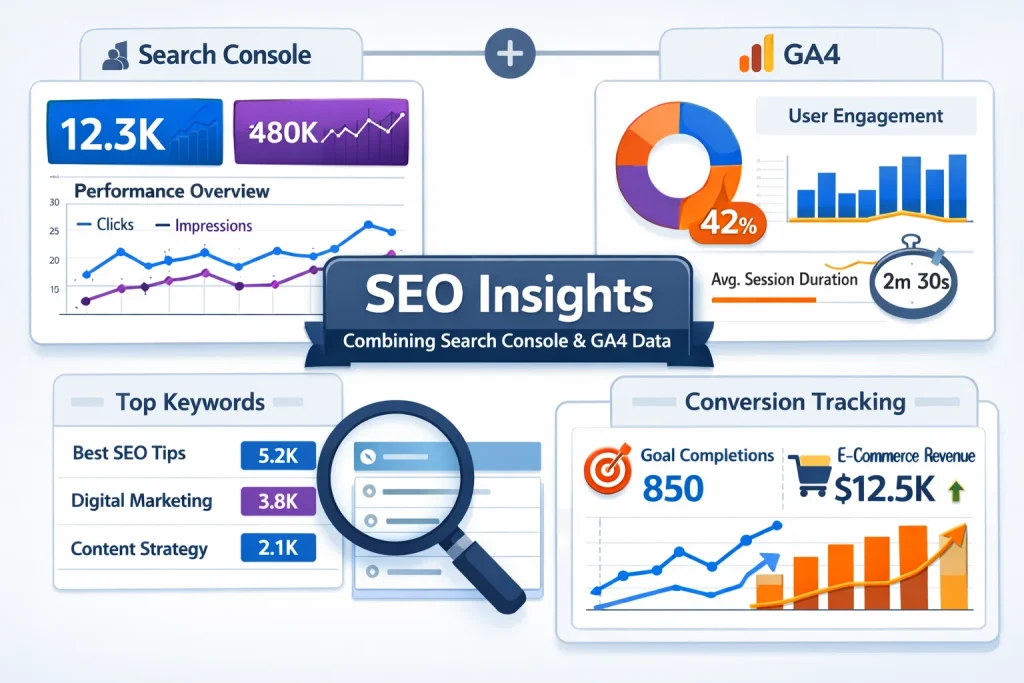
Google Analytics 4 helps you understand what users do after they arrive on your website. While Search Console shows how users find your site, GA4 shows how they interact with it, making it essential for measuring SEO quality and conversions.
- Organic traffic sessions.
- Engagement rate and average engagement time.
- Pages per session from organic users.
- Conversion events such as form submissions or purchases.
SEO Metrics That Matter Most
Why GA4 Is Important for SEO
High rankings mean little if visitors leave without taking action. GA4 reveals which SEO pages convert, which ones fail, and where users drop off.
Common Mistakes
Many sites run GA4 without proper event or conversion tracking. This results in incomplete data and misleading conclusions.
Google PageSpeed Insights
Google PageSpeed Insights measures how fast your website loads and how users experience it on both mobile and desktop devices. Site speed and usability are direct ranking factors, especially since Google introduced Core Web Vitals.
- Largest Contentful Paint shows loading speed.
- Interaction to Next Paint measures responsiveness.
- Cumulative Layout Shift tracks visual stability.
What PageSpeed Insights Does
It analyzes page performance using real user data and lab testing to show loading speed, interactivity, and visual stability.
Core Web Vitals Explained Simply
Why Page Speed Matters for SEO
Slow websites frustrate users, increase bounce rates, and lose rankings. Google prioritizes fast, stable, and user-friendly pages in search results.
Common Mistakes
Many site owners focus only on the performance score and ignore real user data. Others apply fixes that improve speed but break design or functionality.
Google Trends
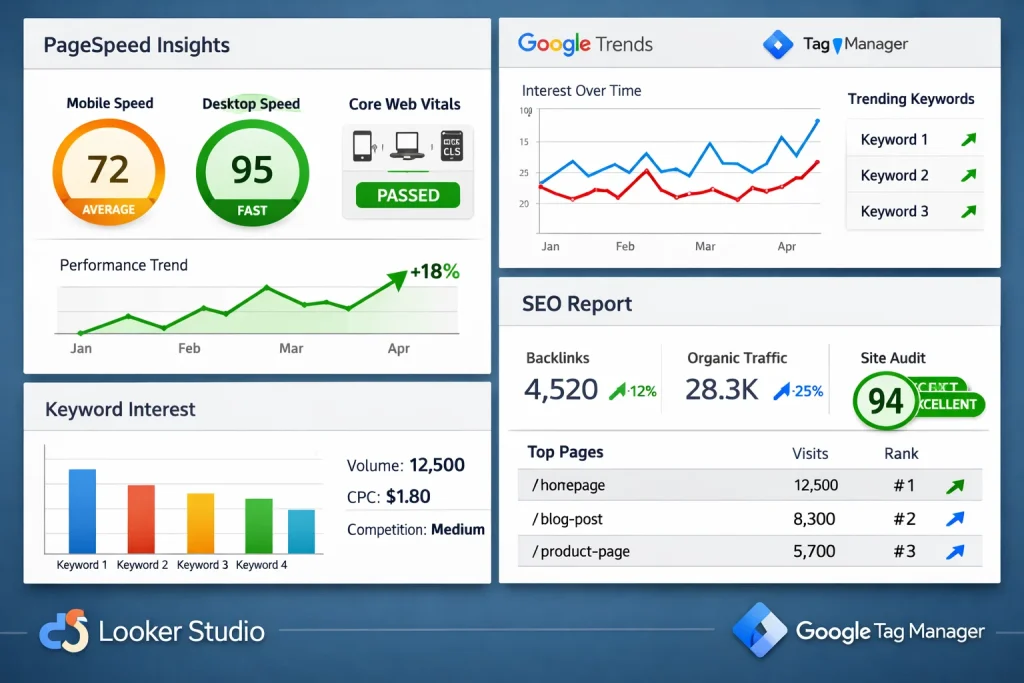
Google Trends helps you understand how search interest for keywords changes over time. It is especially useful for identifying rising topics, seasonal demand, and comparing keyword popularity before creating or updating content.
- Discover trending and emerging keywords.
- Plan content around seasonal searches.
- Compare multiple keywords before targeting them.
- Identify regional search interests.
What Google Trends Does
It analyzes real Google search data to show interest levels for keywords based on time, location, and topic category.
How It Helps with SEO
Google Trends allows you to:
Why It Matters
Targeting keywords at the wrong time can limit traffic potential. Trends data ensures your content aligns with what users are actively searching for.
Common Mistakes
Many people use Google Trends alone for keyword research without validating search intent or competition.
Google Tag Manager
Google Tag Manager allows you to manage and deploy tracking codes on your website without editing the site’s source code. Accurate tracking is essential for making informed SEO and marketing decisions.
- Deploying GA4 tracking.
- Setting up conversion events.
- Tracking button clicks and form submissions.
- Managing tags without developer support.
What Google Tag Manager Does
It acts as a central hub where you can add, update, and control tracking scripts such as Google Analytics, conversion events, and marketing pixels.
Why Tag Manager Matters for SEO
Without accurate data, SEO decisions are based on assumptions. Tag Manager ensures that organic traffic, user actions, and conversions are tracked correctly.
4 Common Use Cases
Common Mistakes
Improper tag setup can lead to duplicated data, missing events, or inaccurate reports, which can damage SEO analysis.
Google Looker Studio
Google Looker Studio turns raw SEO and analytics data into clear, visual reports. It helps website owners and businesses understand performance without digging through complex dashboards.
What Looker Studio Does
It connects data from tools like Google Search Console, Google Analytics 4, and PageSpeed Insights and presents it in interactive charts and tables.
Why It Matters for SEO
SEO success must be measurable. Looker Studio allows you to see trends, track improvements, and identify problems quickly using visual insights.
4 Common Use Cases
- SEO performance dashboards.
- Keyword and traffic trend reporting.
- Conversion tracking visualization.
- Client or stakeholder reporting.
Common Mistake
Many users create reports that look impressive but fail to answer real business questions.
Each Google SEO tool is powerful on its own, but real results come when they are used as a complete system. Together, they provide visibility, behavior insights, performance data, keyword trends, accurate tracking, and clear reporting.
Recommended Setup Order
- First, verify your website in Google Search Console to ensure proper indexing.
- Next, set up Google Analytics 4 and connect it with Search Console.
- Then configure Google Tag Manager to manage tracking efficiently.
- After that, use PageSpeed Insights to address performance issues,
- Google Trends for keyword validation, and Looker Studio for reporting.
Weekly SEO Routine
- Review Search Console for performance changes and indexing issues.
- Check GA4 for organic traffic engagement and conversions.
- Monitor any sudden traffic drops or spikes.
Monthly SEO Routine
- Analyze keyword trends and content opportunities using Google Trends.
- Review Core Web Vitals and speed improvements.
- Update Looker Studio reports to track SEO growth and results.
This structured workflow ensures SEO efforts remain consistent and data-driven. SEO Specialist USA implements and manages this process to deliver sustainable ranking improvements.
When to Hire Help and How SEO Specialist USA Supports Your SEO
Google’s free SEO tools are powerful, but many businesses reach a point where data alone is not enough. Knowing when to act, what to fix first, and how to scale results requires experience.
Signs You Need Professional SEO Support
You may need expert help if your rankings are stagnant, traffic is declining, conversions are low despite good traffic, or technical errors keep appearing in Search Console. Limited time or lack of in-house expertise are also common reasons.
What SEO Specialist USA Does
SEO Specialist USA turns Google data into actionable SEO strategies. Their services include technical SEO audits, keyword research, on-page optimization, content planning, Core Web Vitals improvement, accurate tracking setup, and transparent reporting.
Why SEO Specialist USA
They focus on long-term, Google-compliant SEO strategies designed to improve rankings, traffic quality, and conversions. Instead of chasing short-term tricks, they build sustainable growth using proven methods and Google’s own tools.
Businesses that want measurable SEO results choose SEO Specialist USA to turn insights into performance.
FAQs
Are Google SEO tools completely free to use?
Yes, all 6 tools discussed are provided by Google at no cost. They can be used by anyone to analyze website performance, user behavior, speed, and search visibility.
Which Google SEO tool should I start with first?
Google Search Console is the best starting point because it shows how your website appears in search results and highlights indexing or crawling issues.
How often should I check Google Search Console and GA4?
For most websites, reviewing key reports weekly is sufficient, while deeper performance analysis should be done monthly.
Do Core Web Vitals really affect SEO rankings?
Yes, Core Web Vitals are confirmed Google ranking factors and directly impact user experience, engagement, and visibility in search results.
Can I rely only on free tools to do SEO?
Free tools provide valuable data, but effective SEO also requires strategy, execution, and experience to avoid costly mistakes.
How does SEO Specialist USA help with these tools?
SEO Specialist USA configures, monitors, and analyzes these tools to create data-driven SEO strategies that improve rankings, traffic quality, and conversions.
Final Thoughts
Google’s free SEO tools provide everything needed to analyze website performance, understand user behavior, improve speed, research keywords, and track results. When used correctly, they form a strong foundation for effective search engine optimization.
However, tools alone don’t guarantee success. The real value comes from interpreting the data, prioritizing actions, and executing the right strategy consistently. This is where professional expertise makes the difference.
By combining Google’s powerful tools with the experience of SEO Specialist USA, businesses can turn raw data into higher rankings, better traffic, and real business growth.
Discover More Articles with SEO Specialist USA